Getting Started with Flutter: A Beginner's Guide to Mobile App Development (2025)
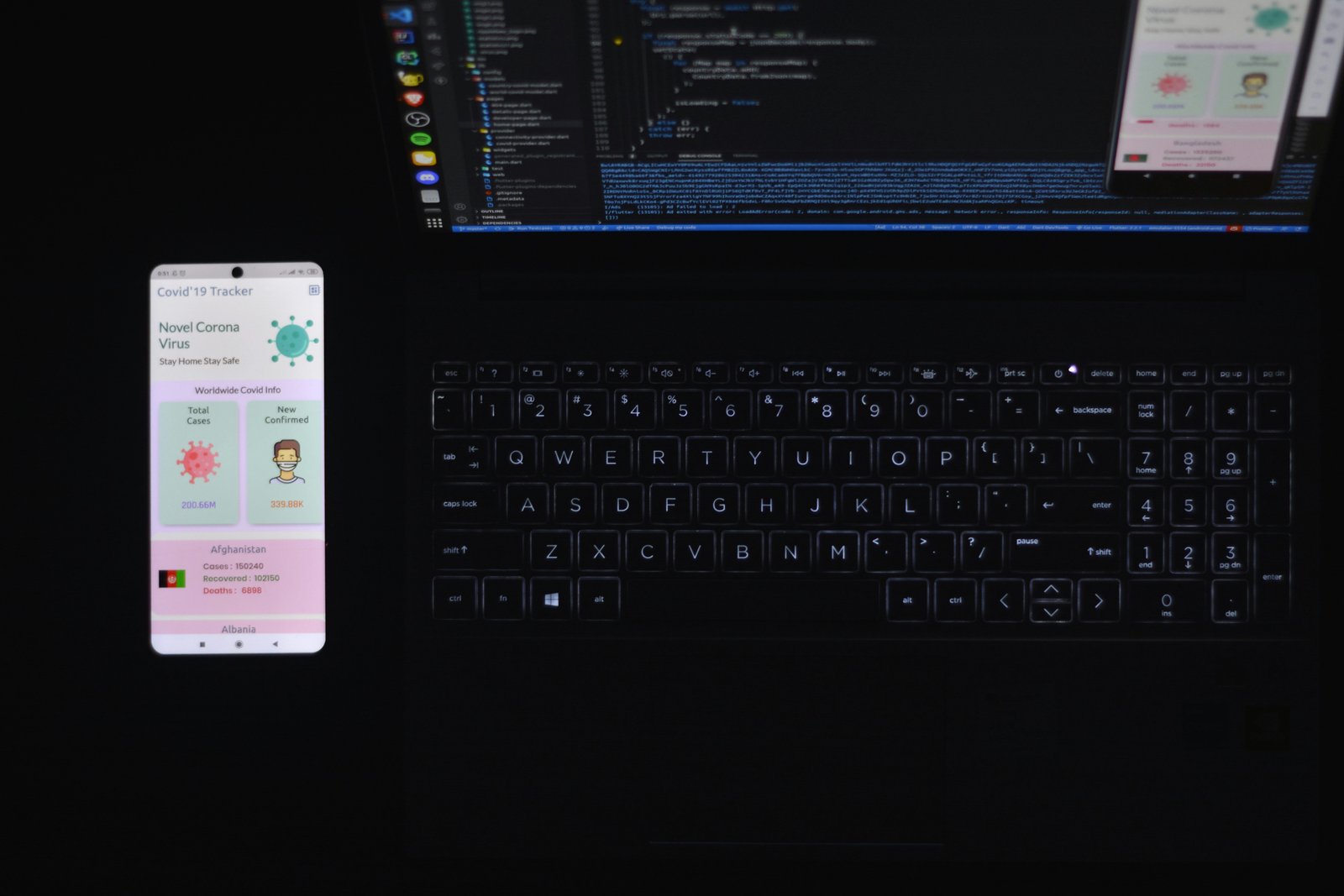
Building your first mobile app with Flutter is a must for anyone looking to enter the world of cross-platform mobile development. Flutter allows you to create beautiful, high-performance apps for both Android and iOS from a single codebase. In this guide, you’ll learn how to set up your environment, create your first app, design user interfaces, and run your app on a simulator or real device — all step by step.
1. What is Flutter and Why Use It in 2025
Flutter is Google’s open-source UI toolkit for building natively compiled applications for mobile, web, and desktop from a single codebase. It uses the Dart programming language and provides fast development, expressive and flexible UI, and native performance.
- Cross-platform: One codebase for Android and iOS apps.
- Hot reload: Instantly see changes in your app without restarting.
- Rich widgets: Flutter offers customizable widgets to create stunning UIs.
- Strong community: Millions of developers and extensive documentation.
2. Setting Up Your Flutter Development Environment
Before you can start coding, you need to set up Flutter on your computer:
- Download Flutter from the official Flutter website.
- Install your preferred IDE: Visual Studio Code or Android Studio are recommended.
- Follow the installation guide to configure your PATH environment variable.
- Run
flutter doctorin the terminal to check for any missing dependencies.
3. Creating Your First Flutter App
Now that your environment is ready, it’s time to create your first Flutter app:
flutter create my_first_app
cd my_first_app
flutter run
This command creates a new Flutter project and runs it on your default simulator or connected device. You’ll see a demo counter app running — a great way to test your setup.
4. Understanding Flutter’s Widget System
Flutter uses widgets as the basic building blocks for your UI. Everything in Flutter, from buttons to layouts, is a widget. Widgets can be combined to create complex UIs efficiently.
- StatelessWidget: Immutable widgets that don’t change over time.
- StatefulWidget: Dynamic widgets that can update based on user interaction.
- Container, Row, Column: Core layout widgets to structure your UI.
5. Adding Functionality to Your App
Once you are comfortable with the UI, you can add functionality such as navigation, buttons, and state management:
ElevatedButton(
  onPressed: () {
    print("Button pressed!");
  },
  child: Text("Click Me"),
)
For more advanced state management, Flutter supports solutions like Provider, Riverpod, and Bloc, which help manage app data efficiently.
6. Running Your App on a Real Device
To test your app on a physical device:
- Enable Developer Mode on your Android or iOS device.
- Connect the device via USB.
- Run
flutter devicesto verify your device is detected. - Run
flutter runto launch the app on your device.
7. Troubleshooting Common Flutter Issues
- Flutter doctor errors: Follow the instructions given by
flutter doctor. - Device not detected: Check USB connection, enable debugging, and restart your IDE.
- Hot reload not working: Ensure your project is running in debug mode.
8. Final Thoughts
Starting with Flutter is a powerful way to enter mobile development in 2025. Its simplicity, cross-platform capabilities, and fast development workflow make it ideal for beginners and pros alike. Experiment, customize, and build small projects to gain confidence.